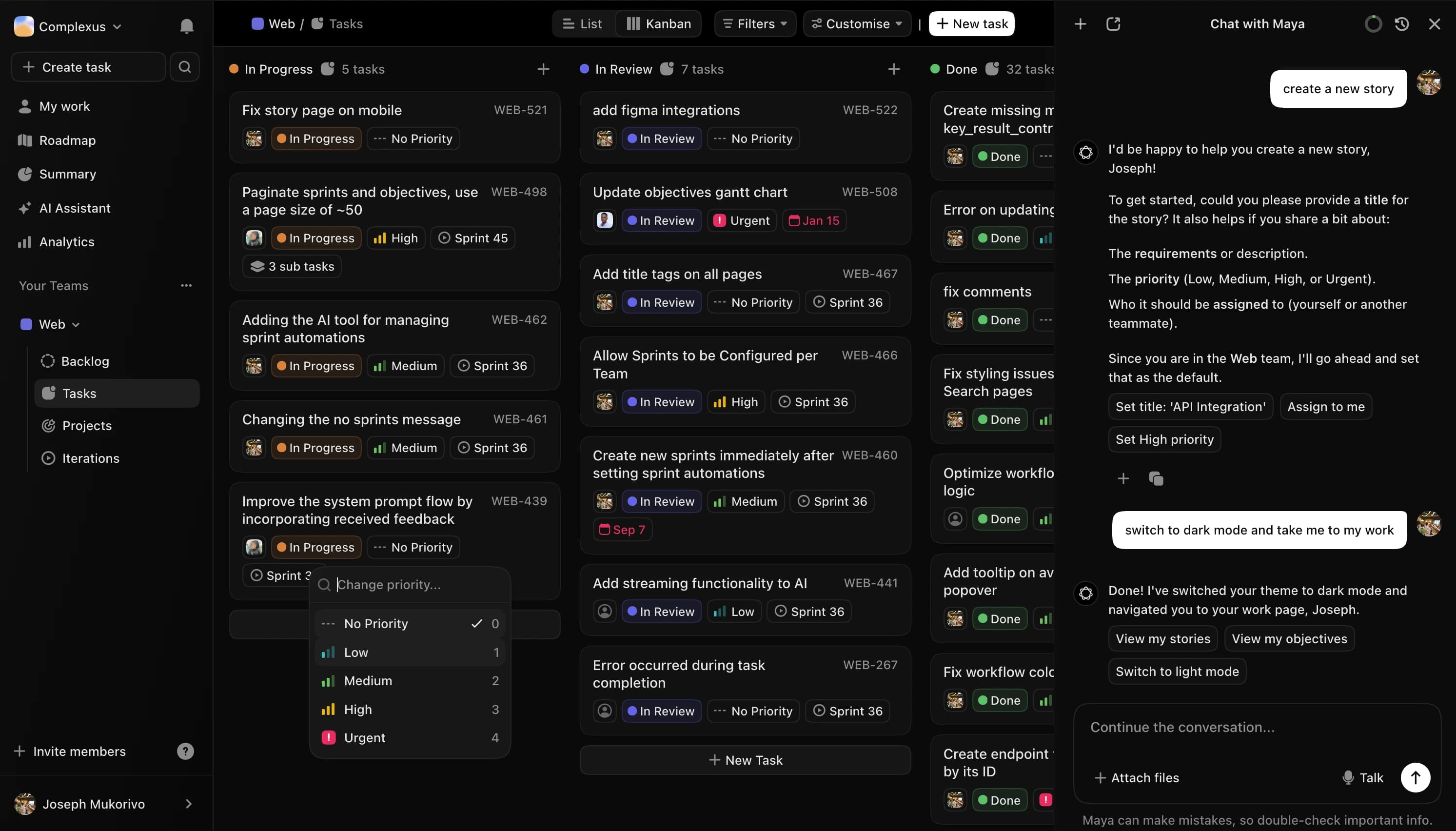
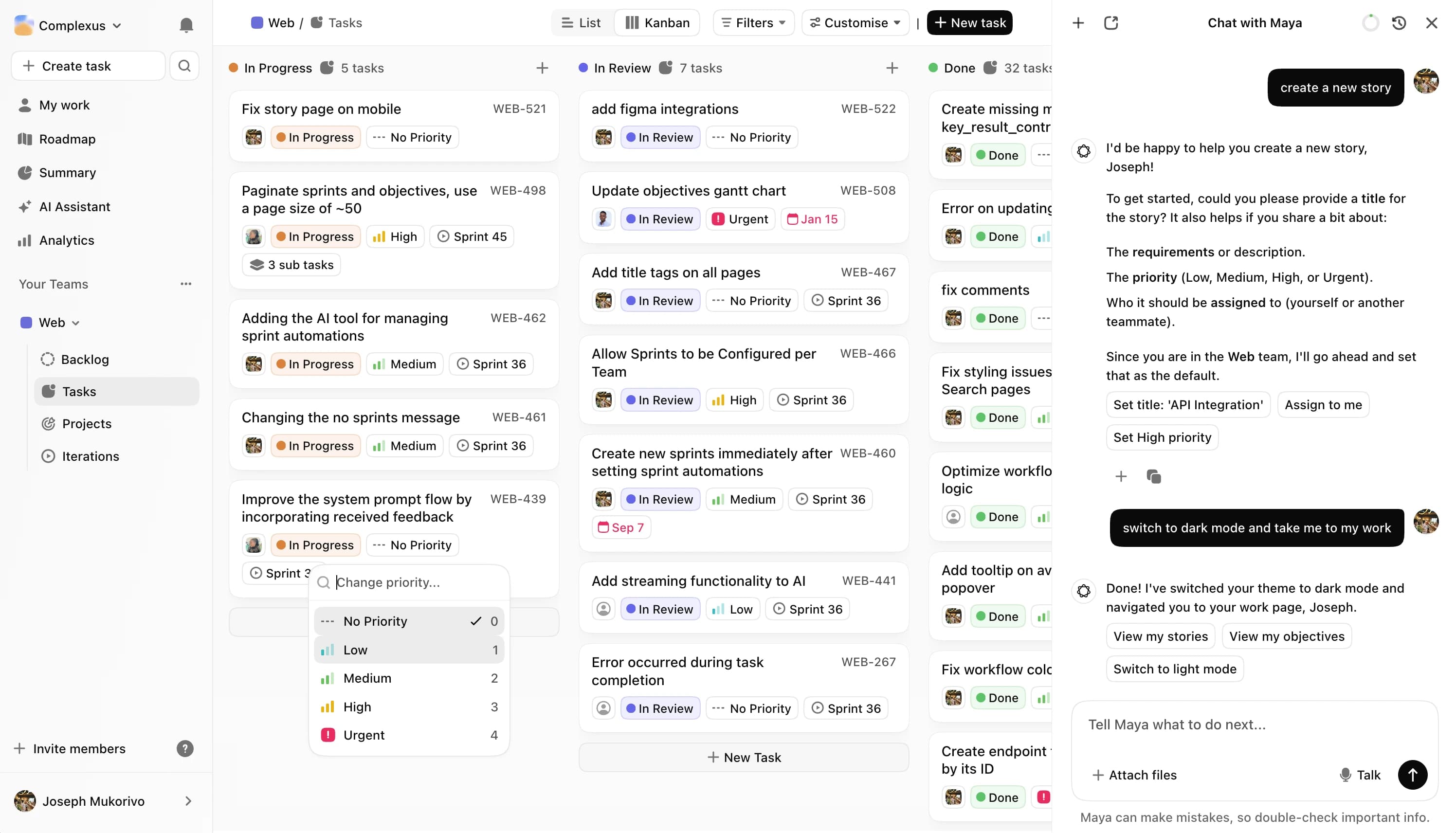
Most teams do not lose on strategy — they lose it between the plan and the sprint board. FortyOne keeps the goal visible, while Maya drafts tasks, scopes sprints, and flags risks early.

Connect task to objective...
Goal
Improve activation rate
Redesign onboarding flow
Linked to #142
OBJ-7
Goals aren't separate from the work.
Tasks, objectives, and delivery live in one system, so progress isn't something you have to reconstruct later.
Add context from
@
GitHub

Drive
Slack
Connect
Manage tools
Context from every tool.
Gmail, GitHub, Linear, Slack. Maya pulls context so drafts are accurate and follow-ups land at the right time.
Sprint 14 Progress
7 of 11 tasks
65%
Shared to
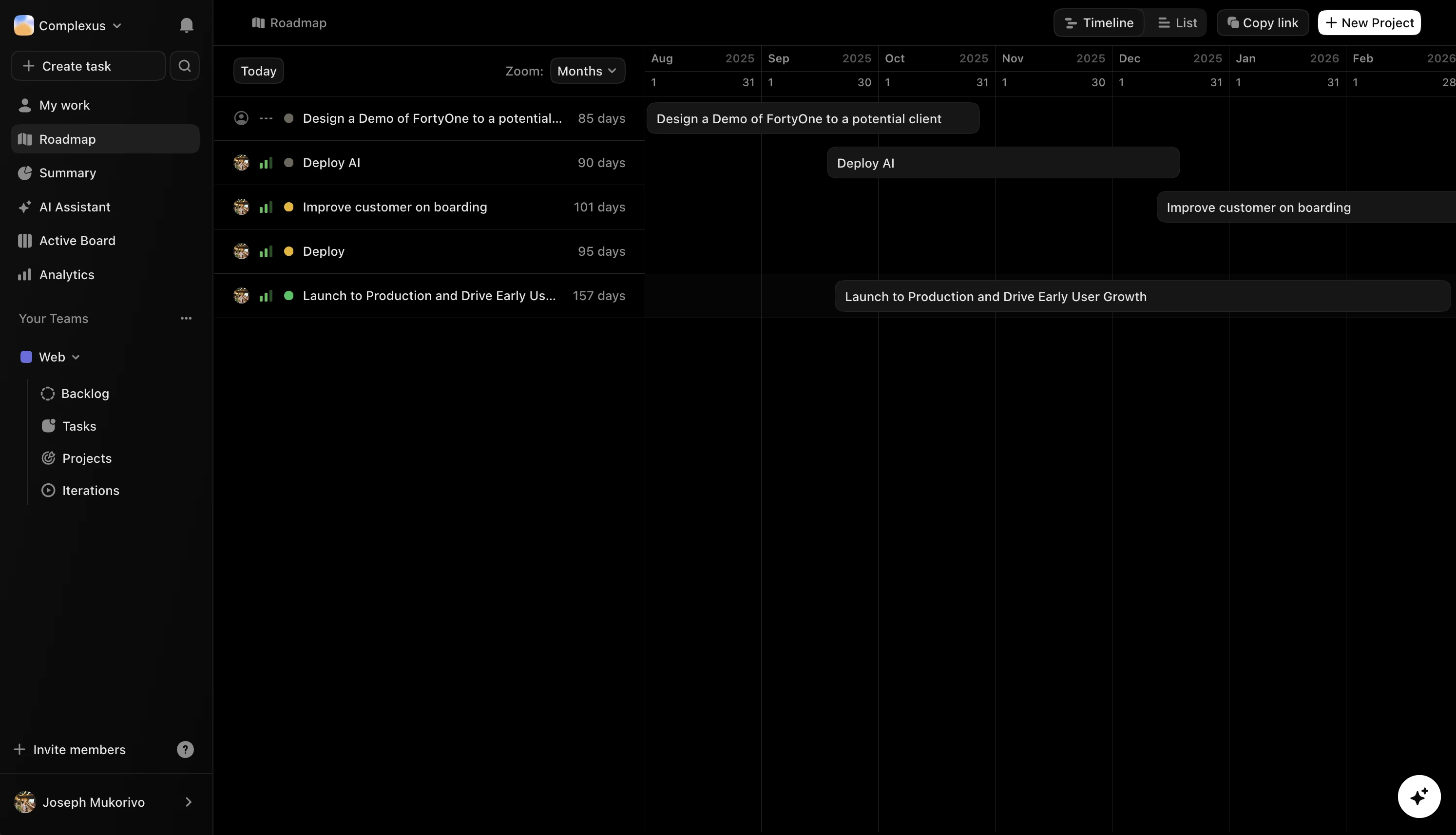
Progress stays visible by default.
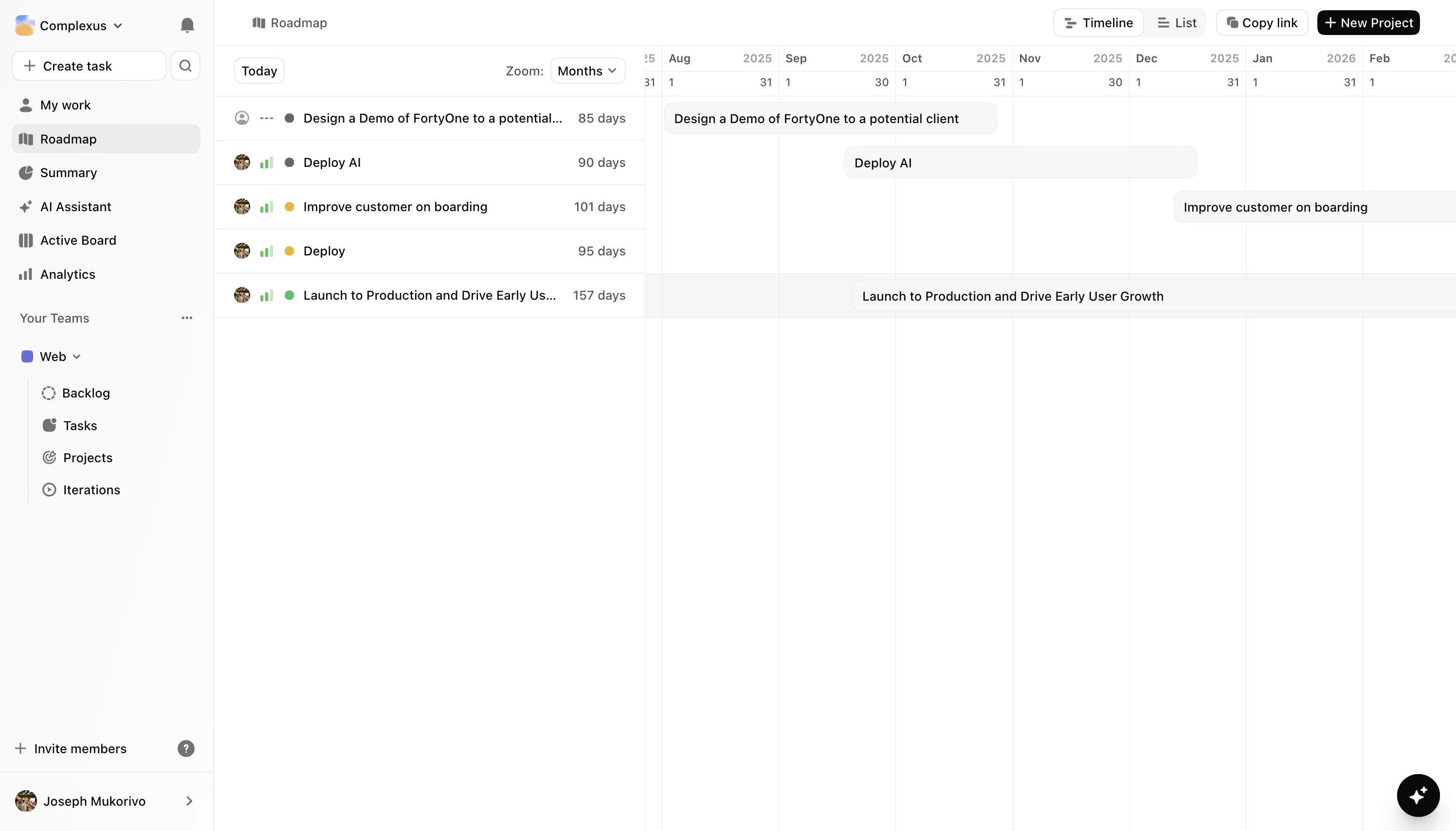
As work ships, the roadmap reflects it. Teams, managers, and leadership stay aligned on what's done, next, and slipping.
Most project tools show you what's happening. FortyOne shows you what it means — and Maya keeps it moving.
When a task moves, the objective moves with it. Teams stay aligned, and leaders get a live view without chasing updates.
Tell Maya the outcome you're aiming for. She reads the backlog, weighs capacity, and proposes a sprint you can actually ship.
Maya handles task drafting, blocker flagging, and follow-through. Your team spends more time building and less time coordinating.
Contributors, managers, and leadership see the same live view of what is done, stuck, and next.
Customize statuses, terminology, permissions, and workflow rules. It fits how your team ships and adapts as you grow.
GitHub, Slack, Figma, and GitLab feed into FortyOne automatically. Your team sees one coherent picture instead of scattered updates.
GitHub merges, Slack threads, Figma handoffs, GitLab pipelines — they all happen in isolation, then get lost. FortyOne pulls them into a single, coherent view so your team stops chasing context across five tabs.
No card required, no feature walls, no gotchas. The free plan handles a real team doing real work. Paid plans add more room and more Maya — upgrade, downgrade, or cancel any time.
Hobby
$0
Start for free - no card neededFor individuals and small teams getting started.
1 team
Up to 5 members
Up to 200 tasks
Single Sign-On (SSO)
Kanban & list views
Email support
Professional
$5.60 user/month
Try ProfessionalFor growing teams who need OKRs and more room to move.
Everything in Hobby
Up to 3 teams
Up to 20 objectives
OKR tracking
Unlimited tasks
Unlimited guests
Custom workflows
Business Most Popular
$8 user/month
Try BusinessFor teams who need full control, no limits, and fast support.
Everything in Professional
Unlimited teams
Unlimited objectives
Unlimited everything
Custom terminology
Private teams
Priority support
Enterprise
Custom
Talk to salesFor orgs with complex requirements, compliance needs, or on-premise preferences.
Custom onboarding & integrations
On-premise/Private Cloud Option
Dedicated account manager
Volume discounts
Maya is your AI project manager — not a chatbot bolted onto a to-do list. She drafts tasks from plain language, proposes sprint scope from your backlog, writes OKRs tied to your roadmap, and flags blockers before they cost you a sprint. She doesn't replace your team's judgment — she handles the coordination work so your team can apply it to better things. The longer she works with your setup, the more useful she gets.
Goals aren't a separate module — they're built into the structure of every sprint and task. Link work directly to key results and watch objective progress update automatically as tasks close. Your team sees exactly how their work moves the quarter. Leadership gets a live, trustworthy view without sending a single "can you send me an update?" email.
Yes — no credit card, no trial expiry, no watered-down version. The Hobby plan supports one team and up to five members, which is enough to run a real sprint and decide whether FortyOne is worth scaling. When you're ready to grow, paid plans start at $5.60 per user per month, billed annually.
Encryption in transit and at rest, SSO with Google, role-based permissions, and private teams. For organizations with stricter requirements — compliance, on-premise, custom data residency — the Enterprise plan covers it with dedicated onboarding and a named account manager.
That's the point. Customize statuses, workflows, terminology, and permissions to match your org — not a generic process template someone wrote in 2018. Structure your backlog and boards around how you plan and ship, and adjust as you grow without breaking historical context.